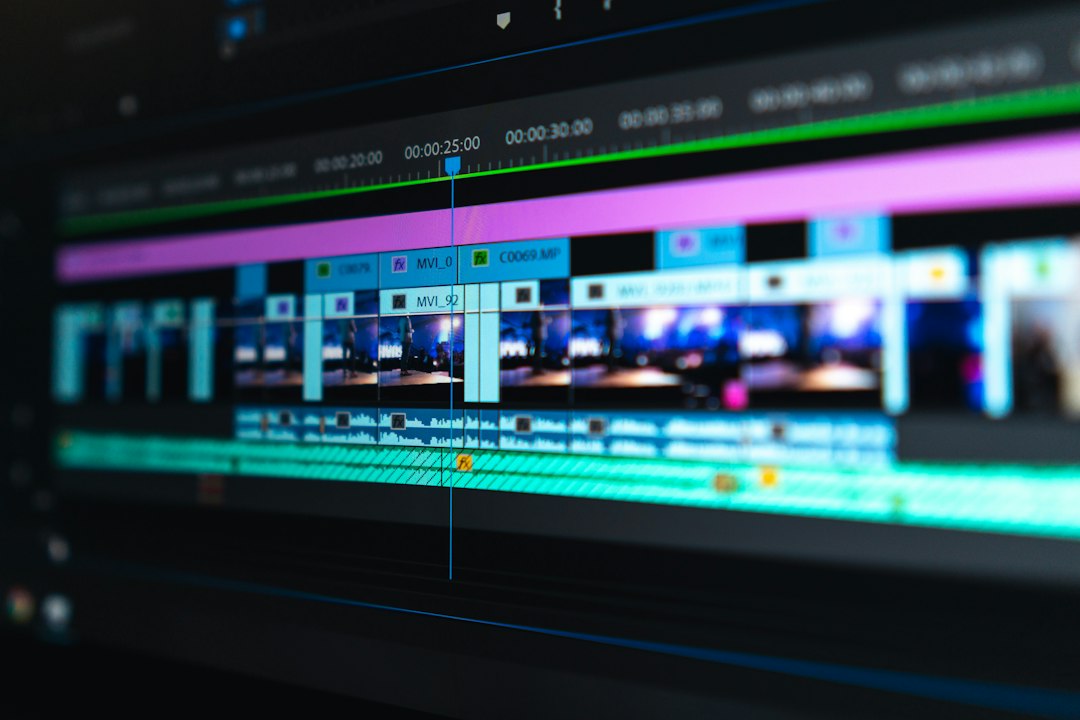
Photo by Peter Stumpf on Unsplash
The J-Cut and the L-Cut: How Sound Sneaks Ahead of the Picture
Watch almost any conversation scene in a modern film and you’ll notice something you’re not supposed to notice: the sound rarely cuts at the exact same moment as the picture. A character starts talking before you see their face, or you hear the next scene’s ambient noise creep in while you’re still looking at the last shot of the previous one. That’s not an accident or a mixing error. It’s one of the most quietly powerful tools in an editor’s kit, and it has a name split into two mirror-image techniques: the J-cut and the L-cut.
What the Letters Actually Mean
Picture a film editing timeline with a video track on top and an audio track below it. In an L-cut, the picture cuts away to a new shot first, but the audio from the previous shot keeps playing underneath it for a beat before catching up. Laid out on a timeline, the trimmed clip looks like the letter L: video ends short, audio runs long. You still hear a character finishing their sentence while you’re already watching their scene partner’s reaction.
A J-cut works the other way. The audio from the upcoming shot arrives first, playing under the tail end of the current image, and then the picture catches up to meet it. On the timeline, that shape resembles a J: audio starts early, video follows. You might hear a phone ringing or a door slamming before the cut actually takes you into the room where it’s happening.
Both are technically just a video cut and an audio cut placed at different points instead of on top of each other. The effect, though, is disproportionate to how simple the mechanic is.
Why Editors Reach for Them Constantly
A hard cut, where picture and sound change together, has a rhythm to it. Used over and over in dialogue scenes, that rhythm starts to feel mechanical, like a tennis match of shot, reverse shot, shot, reverse shot. J-cuts and L-cuts break that metronomic quality. Because the sound bridges the gap, your ear experiences continuity even while your eye is registering a change. That mismatch is what makes the edit feel smooth rather than abrupt.
There’s also a storytelling function beyond smoothness. An L-cut lets an editor hold on a listener’s reaction while the speaker is still talking, which is often more dramatically interesting than watching the speaker’s mouth move through the whole line. A J-cut can do the opposite job: it plants a sound as a hook that pulls you into the next scene before you’ve even arrived there, priming your attention and speeding up the sense of momentum. Used across a whole scene, back-to-back J-cuts and L-cuts are how conversations that were shot as a series of disconnected close-ups on different days end up feeling like two people are actually in the same room, listening and reacting to each other in real time.
Where the Technique Came From
This isn’t a digital-era invention. Editors were doing versions of this on physical film well before nonlinear editing software existed, splicing audio and picture tracks separately and offsetting them by hand. Documentary and news editors leaned on it heavily too, since interview footage rarely comes with clean, matching sound and picture cuts. The terminology and the ease of executing it just got a lot friendlier once editing moved to timelines you could see and drag on a screen.
Why You’re Not Supposed to Notice
The whole point of a well-placed J-cut or L-cut is invisibility. If you’re consciously aware that sound is leading or trailing the image, the trick has failed. That’s part of why it’s such a useful case study in how much of editing craft is measured by absence rather than presence. The best evidence of the technique working is a scene that simply feels natural, unhurried, and continuous, even though on the timeline underneath it, picture and sound are constantly arriving at slightly different times.